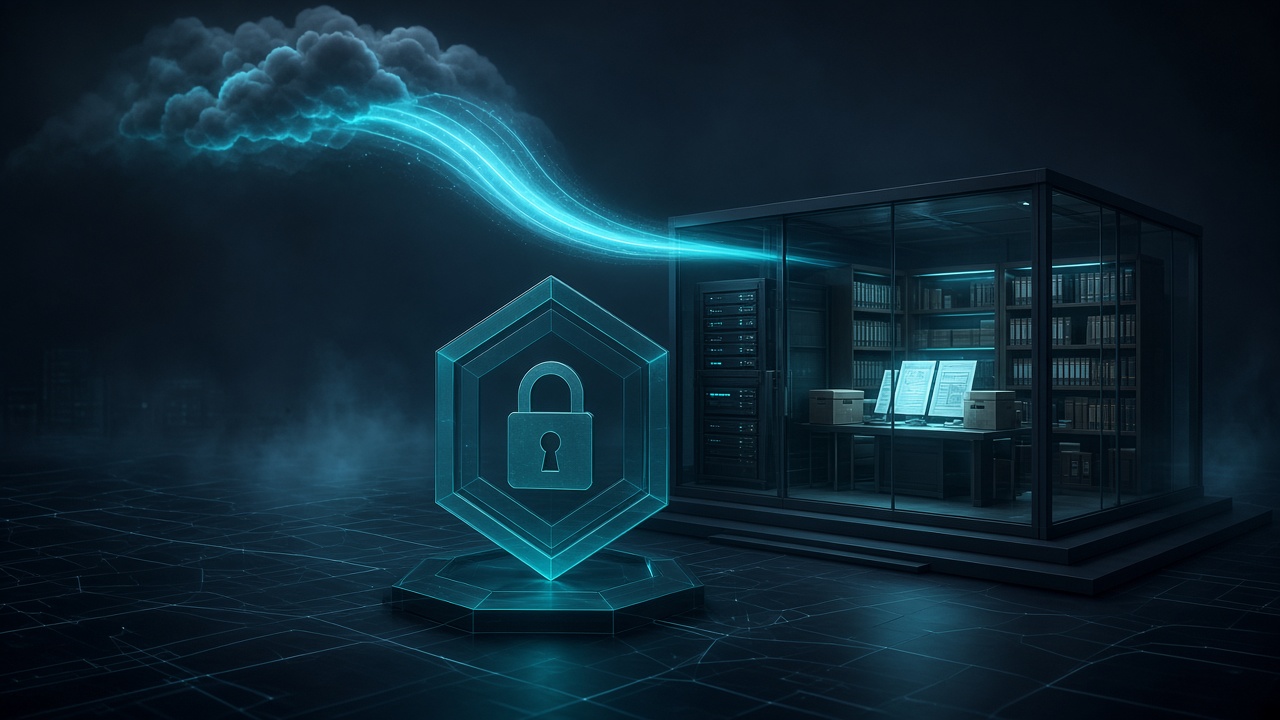
Every growing IT operation hits the same wall. Knowledge lives in too many places: a notes app, an old spreadsheet, a few email threads, someone's memory. Server details, client contacts, runbooks, and "how we fixed it last time" are scattered and hard to find exactly when you need them.
Then contractors join, and the question changes from "where is that written down?" to "how do we share it safely?"
This post walks through a practical, low-cost pattern Tierney Dynamics builds for clients: a private documentation wiki that's fast to use, accessible to the right people, invisible to everyone else, and ready for AI assistants to help keep it current.
The Need
The requirements we see most often are simple to state and harder to satisfy together:
- One place for technical documentation: clients, servers, databases, DNS, backups, monitoring, and runbooks.
- Controlled access for contractors, limited to only the material they need.
- No passwords in the wiki. Credentials belong in a password manager, not a page anyone can copy from.
- Strong security without enterprise pricing. Single sign-on, MFA, and no exposed admin pages.
- Low maintenance. It has to run itself between patch windows.
- An API, so automation and AI tools can read and update documentation instead of letting it rot.

Choosing the Platform
We evaluated the usual candidates:
| Platform | Strengths | Trade-offs |
|---|---|---|
| Notion | Polished, hosted, zero maintenance | Per-seat cost, weaker per-client isolation, data lives with a third party |
| Confluence | Powerful permissions and collaboration | Overkill and expensive for small teams |
| Wiki.js | Modern, self-hosted | Slower maintenance pace is a long-term risk |
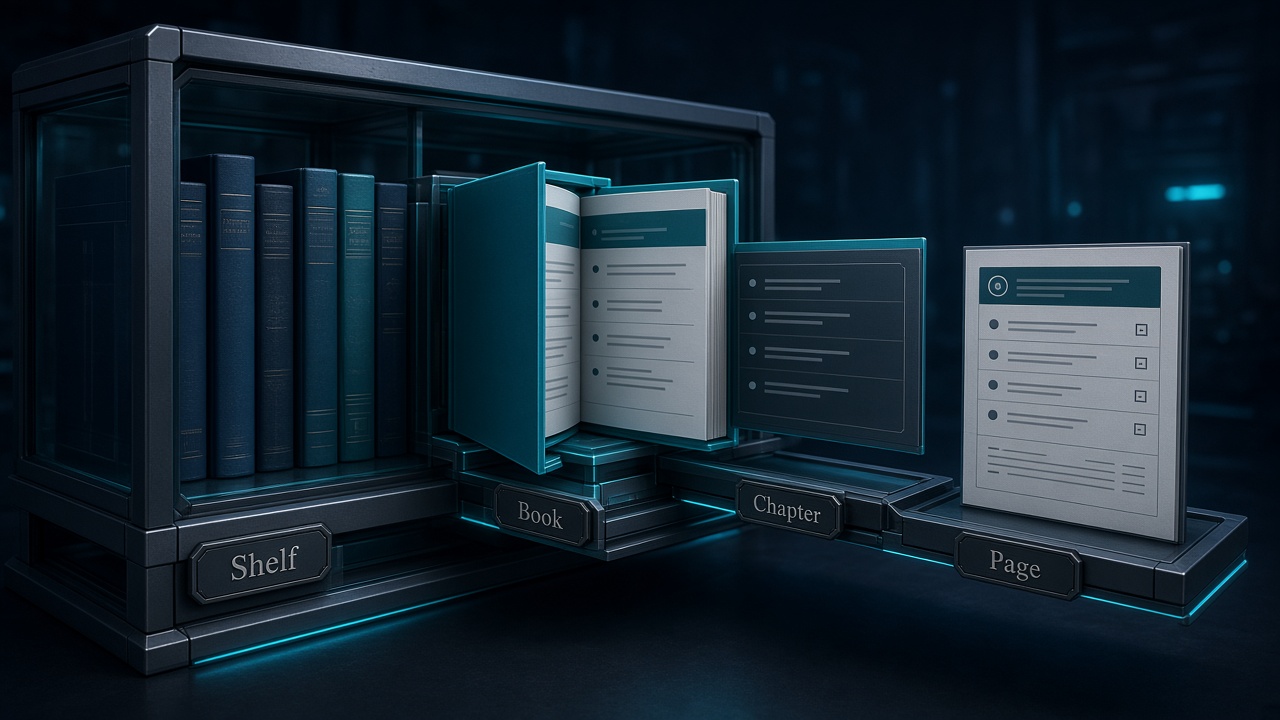
| BookStack | Self-hosted, clear Shelf → Book → Chapter → Page structure, granular roles, full REST API | You operate it (which we plan for) |
BookStack won for this use case. Its structure maps naturally to how IT documentation is organized (one shelf for internal operations, one book per client, one chapter per service type), and its role system makes "contractors see only their books" straightforward.
Just as important is what the wiki doesn't do. A clean design separates responsibilities:
- Password manager (for example, 1Password): every credential.
- CRM: customer contact and account records.
- Wiki: how things are built and how to run them, with links to password manager items instead of secrets.
The Solution
Architecture at a glance
- Hosting: a small AWS Graviton (ARM) EC2 instance in a private subnet. No public IP. Outbound internet goes through NAT.
- Application stack: Docker Compose running BookStack, MariaDB, and the Cloudflare Tunnel connector. No ports are published to the internet, and the database sits on an internal-only container network.
- Storage: encrypted EBS volumes, with a separate data volume for the database and uploads that survives instance replacement.
- Ingress: Cloudflare Tunnel. The server makes an outbound connection to Cloudflare, so there are zero inbound firewall rules.
- Access control: Cloudflare Access in front of every request:
- Single sign-on (Microsoft 365 / Entra ID or other identity providers)
- Allow only the company's email domain
- Optional country restriction
- Short session lifetimes
- Second layer: BookStack's own login, roles, and MFA behind the Access gate.
- Secrets: generated on the server and stored in AWS Systems Manager Parameter Store. The instance reads them through its IAM role, with no credentials saved on disk in plain configuration. A small sync script mirrors them into the password manager for break-glass access.
- Email: Amazon SES through a dedicated SMTP identity that can send only as one address.
- Administration: AWS Systems Manager Session Manager or SSH over the existing VPN. No public SSH.
- Backups: AWS Backup with daily snapshots and defined retention.
- Monitoring: an uptime keyword check against the application's health endpoint, authenticated with a dedicated Cloudflare service token.
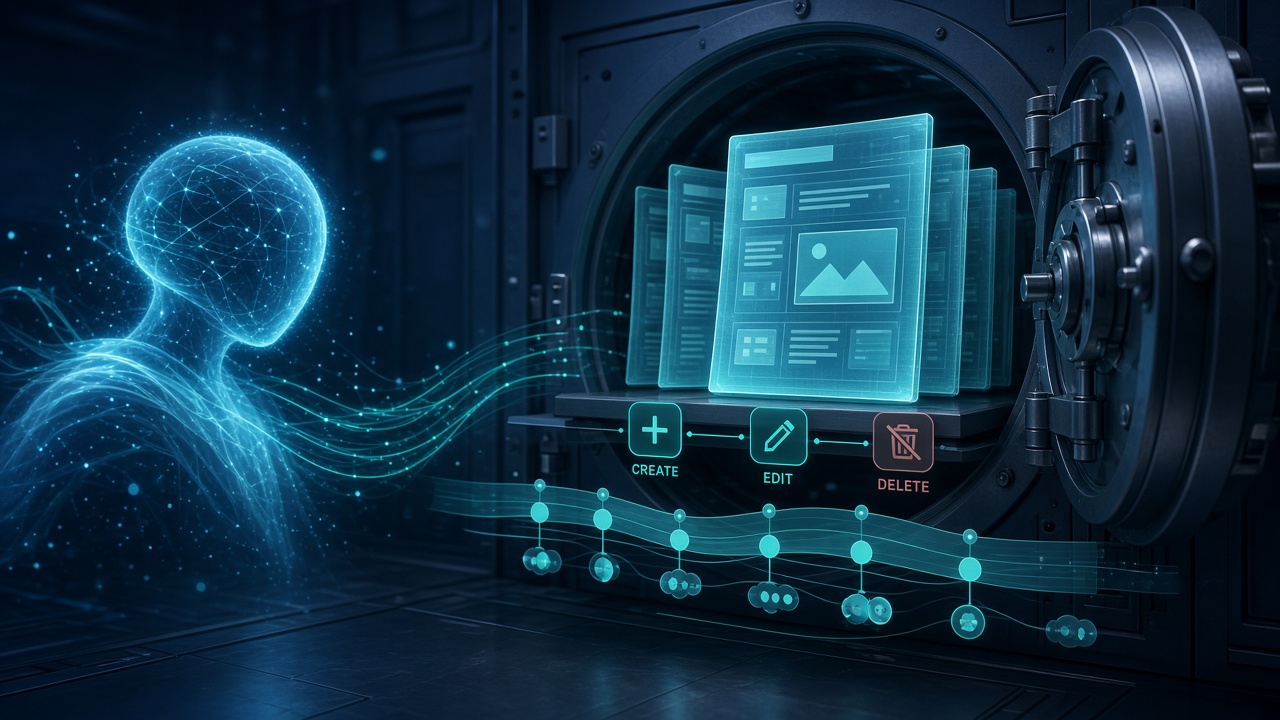
- AI-assisted maintenance: an MCP (Model Context Protocol) server lets an AI assistant search, read, and update documentation. It's published through the same Cloudflare Tunnel on its own hostname, behind a Cloudflare Access application that accepts only a dedicated service token, and only from the office's IP address. It runs under a least-privilege BookStack role that can create and edit but never delete, and every change is attributed in page history.
Why this design works
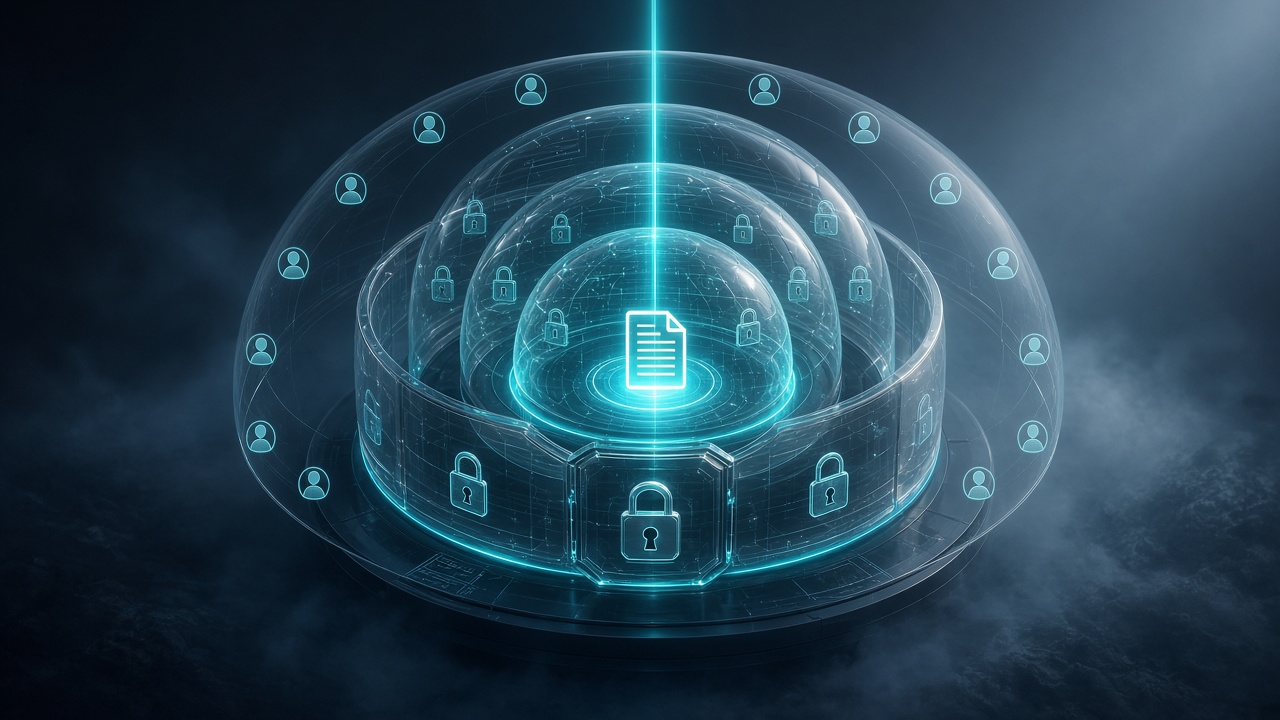
- Nothing to scan. There's no public IP and no open ports. The login page itself sits behind identity verification.
- Defense in depth. Identity provider, then Cloudflare Access policy, then the BookStack role, then content permissions.
- Least privilege everywhere. The instance role, the SMTP user, the monitoring token, and the AI integration each get only what they need.
- Low cost. For a small team, the monthly bill is typically in the low tens of dollars. Cloudflare's Zero Trust free tier covers up to 50 users, and the compute fits on a small Graviton instance. Always confirm current pricing for your region and plan.
- No client-side dependencies. Automation authenticates with headers, not a VPN or device agent, so it works whenever the workstation has internet access.
The Plan
We roll this out in phases, each with a verification step before moving on.
- Decisions: platform, region, hostname, identity provider, who needs access, and where secrets live.
- Domain and edge: a dedicated domain on Cloudflare with WHOIS privacy and DNSSEC, the tunnel, and the hostname route.
- AWS foundation:
- an IAM role scoped to the application's own parameters
- a security group with no inbound rules
- the instance launched with IMDSv2 required and termination protection
- Host preparation:
- OS patching
- the container runtime
- swap for small instances
- the data volume formatted and mounted by UUID
- automatic security updates
- Deployment:
- secrets generated on the host and stored in Parameter Store
- container images pinned by digest
- a repeatable deploy script that rebuilds configuration from the parameter store
- Identity and access:
- Cloudflare Access application and policies
- SSO integration
- BookStack roles (Admin, Contractor, Read Only, Automation)
- public registration disabled and default admin credentials replaced
- Email: SES sending identity, a scoped SMTP user, and a test message.
- Content structure:
- shelves for internal operations and clients
- one book per client with standard chapters (Overview, Servers, Databases, DNS, Backups, Monitoring, Access, Change Log)
- a Service Record page template
- Backups and monitoring: confirm backup coverage, add the authenticated uptime check, and schedule a test restore.
- AI integration:
- the MCP server published through the tunnel on its own hostname
- a Cloudflare Access app that allows only a dedicated service token, from approved IPs only
- a no-delete automation role, with every credential pulled from the password manager at runtime
- an audit trail in page history
- Handover: a service record documenting the platform itself, runbooks, and a credential rotation calendar.
The Obstacles (and How to Plan for Them)
Every build like this hits a few surprises. These are the ones worth knowing before you start.
1. Cloudflare subdomain delegation requires an Enterprise plan
Keeping your main domain at another DNS provider and delegating just one subdomain to Cloudflare isn't available on Free, Pro, or Business plans. A Cloudflare Tunnel hostname also only works for a zone in the same Cloudflare account. The practical fix is a dedicated, inexpensive domain fully hosted on Cloudflare for internal tools.
2. Not every top-level domain allows WHOIS privacy
Some registries, .us for example, require public registrant details. Check redaction support before you buy.
3. Small instances need tuning
A micro-sized instance runs this stack comfortably once MariaDB's buffer pool is sized down and a swap file is added. You can resize later with a quick stop and start.
4. Tooling gaps on minimal Linux images
Amazon Linux doesn't package the Docker Compose plugin or buildx. Install Compose from the official release with checksum verification, and build images with the standard builder where needed.
5. Uptime monitoring behind zero trust can lie
A basic HTTP monitor follows the redirect to the login page, gets a 200 OK, and reports "up" while the app is down. Instead:
- use a keyword check against the health endpoint
- authenticate with a dedicated service token
- enter the two headers as separate name and value pairs
6. API tokens are picky about format
BookStack expects TOKEN_ID:TOKEN_SECRET. Storing just one half produces a confusing "format appeared incorrect" error. Validate the shape of a secret without ever printing its value.
7. VPN clients can block zero-trust device clients
Some VPN clients enforce block-outside-dns, which blocks DNS from every other application, including a zero-trust device agent. When the VPN can't change, route automation through the VPN to a private endpoint instead of fighting it. (We later removed that VPN dependency entirely; see obstacle 10.)
8. Community integrations have quirks
The open-source BookStack MCP server we used requires a token in its environment even when credentials are sent per request. The safe answer is a zero-permission fallback account: without a valid per-request token, the server can see nothing.
9. Internal addresses leak into links
When an integration talks to the app over an internal hostname, the links it returns use that hostname too. A container network alias for the public hostname keeps traffic internal while links stay correct.
10. Don't make automation depend on a VPN being up first.
Our first design reached the AI integration over the existing VPN, which avoided installing a zero-trust device client that conflicted with the VPN. It worked until the morning the VPN wasn't connected when the AI client started. The client tried once, timed out, and gave up. Connecting the VPN afterward didn't help, because it only reconnects on restart. The fix was to publish the MCP endpoint through the same Cloudflare Tunnel on its own hostname, behind an Access application that accepts only a dedicated service token and only from the office's IP address. The client sends the token as two request headers pulled from the password manager at runtime, the application still checks its own API token behind that, and the server still has no inbound ports. Two settings worth turning on: return 401 on service-auth failure, so automation gets a clean error instead of a login redirect, and hide the app from the App Launcher. A timeout and a "connection refused" mean different things, too. A timeout means nothing on the network answered, which points at routing or the VPN, not the service.
11. Edge features can collide with strict security headers
Cloudflare's Email Address Obfuscation relies on an injected script, and a strict Content Security Policy will block it, leaving [email protected] placeholders on the page. Behind an identity gate, that feature adds nothing and can safely be disabled.
The Result
A documentation platform that is:
- Private by default: no open ports, no public IP, and identity checked before the first byte reaches the server.
- Organized: a consistent structure and templates so every client and service is documented the same way.
- Secret-free: credentials stay in the password manager, and the wiki only points to them.
- Auditable: every change, human or AI, is attributed and versioned.
- Inexpensive and low-maintenance: pinned versions, automated security updates, daily backups, and a documented rotation schedule.
- AI-ready: an assistant can find answers and keep documentation current without ever holding delete rights, and without depending on a VPN connection.
How Tierney Dynamics Can Help
We design, build, and manage platforms like this for businesses that need secure internal tooling without enterprise overhead. That includes documentation wikis, internal dashboards, and private admin tools. We handle the cloud architecture, the zero-trust access, identity integration, backups, monitoring, and the runbooks your team needs to operate it with confidence.
Ready to get your documentation out of scattered notes and into something secure? Contact Tierney Dynamics to talk through your environment.
Comments